Wondering how get your created player on a roster? I have your back and can show you in a few quick steps.
Created Rosters
In NBA 2K20 you have to ability to create your own personal basketball player with customizable features. For some, this is great, but they run into the problem of, how to get their perfect player on the team/ roster that they want. Don't worry, if you are one of these people. I've been there too, but with a little searching and trial and error, I figured out the answer! I put together a short guide and steps that you can follow to get your created player on your desired team.
Steps and Requirements
Don't worry there is not a long list of steps or grinding that you have to do in this tutorial, most likely you have already completed the first few steps if you have found this guide. Let's get started!
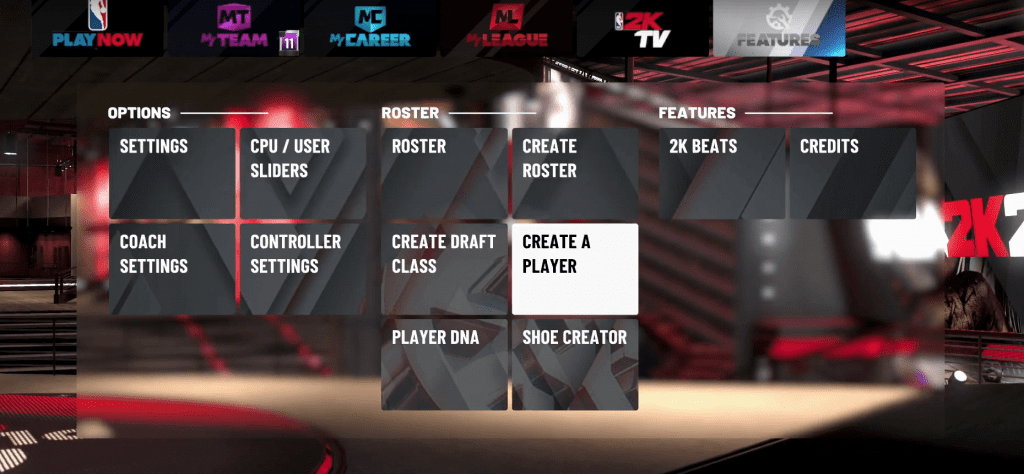
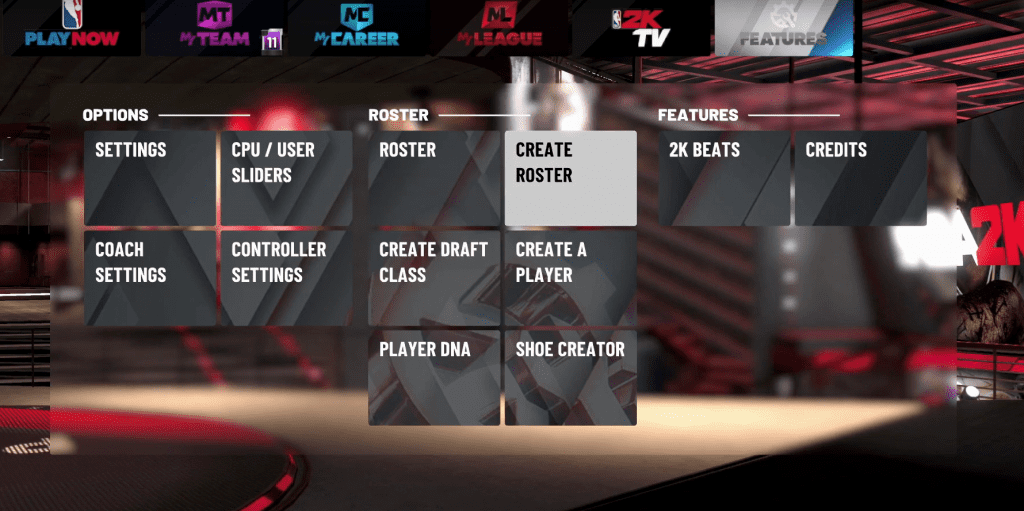
- Step 1: From the start menu on the main screen of NBA 2K20, scroll to and select the "FEATURES" option (If you have already created a character you can skip to Step 4).

- Step 2: From the "FEATURES" menu select the "CREATE A PLAYER" option.
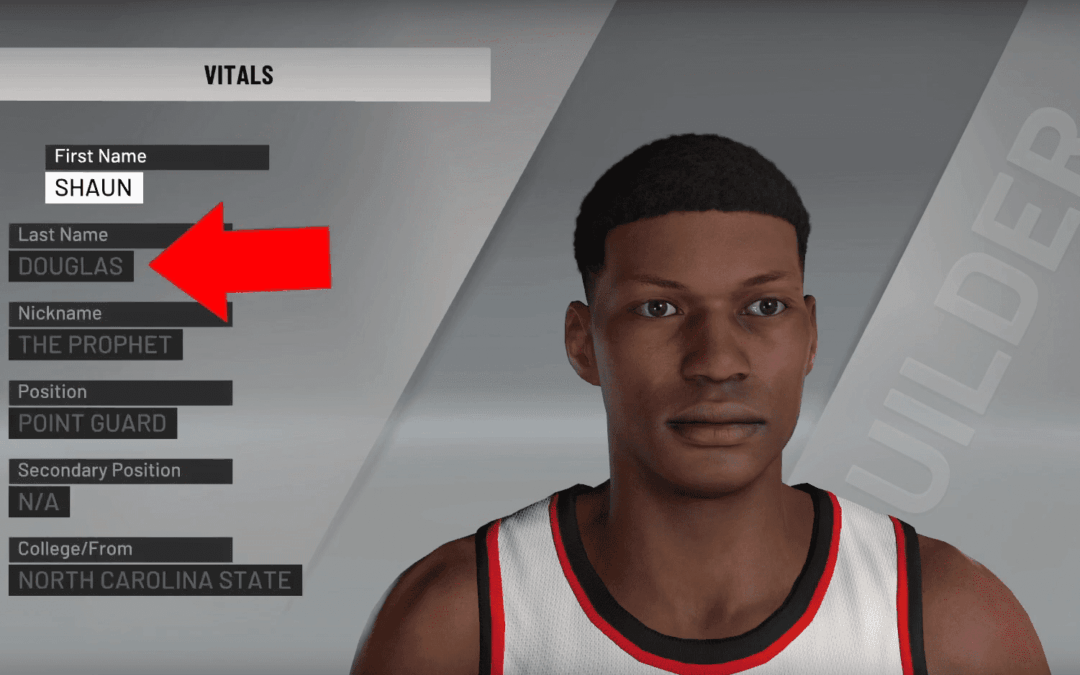
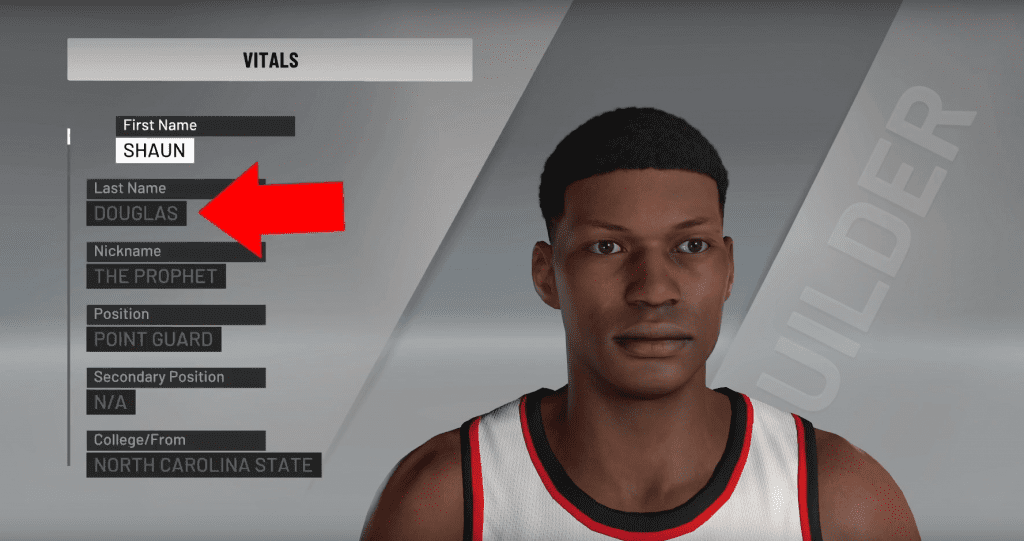
- Step 3: Create the player with the features that you like and be sure to remember your created player's name.
- Step 4: Once you have created your player, back out to the "Features" menu, and select the "CREATE ROSTER" option.
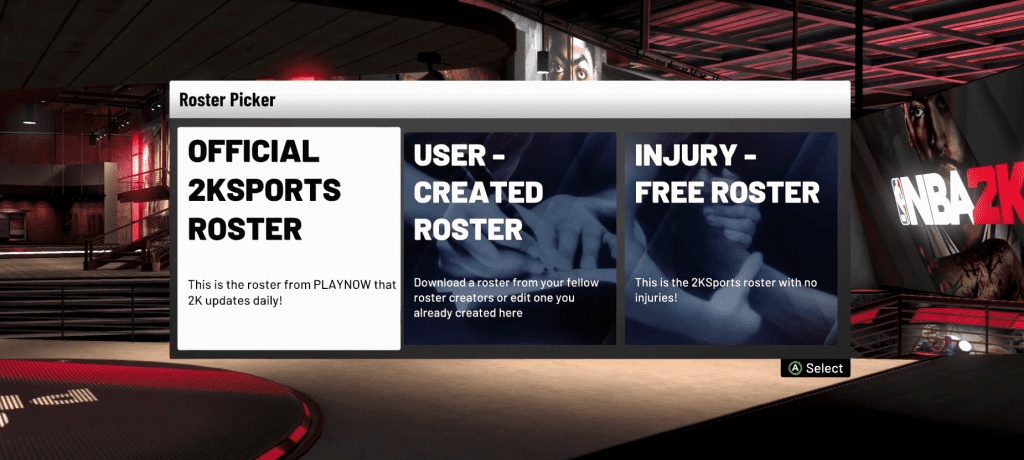
- Step 5: Select the type of roster that you like.
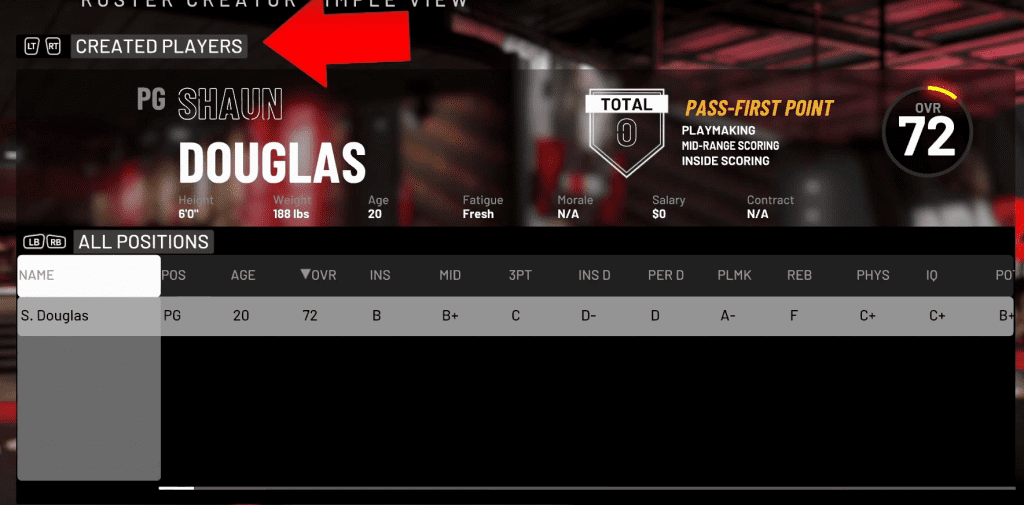
- Step 6: Once you select your desired roster type, scroll left or right until you see the "CREATED PLAYERS" option at the top of the screen. In this view, your created player should be represented by the name that was chosen while being created.
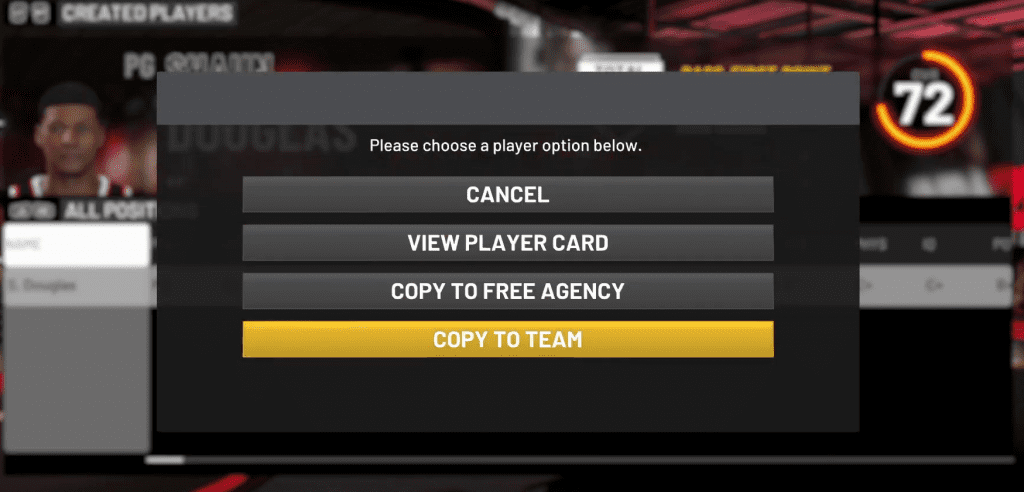
- Step 7: With your created player highlighted, select and open the player options menu.
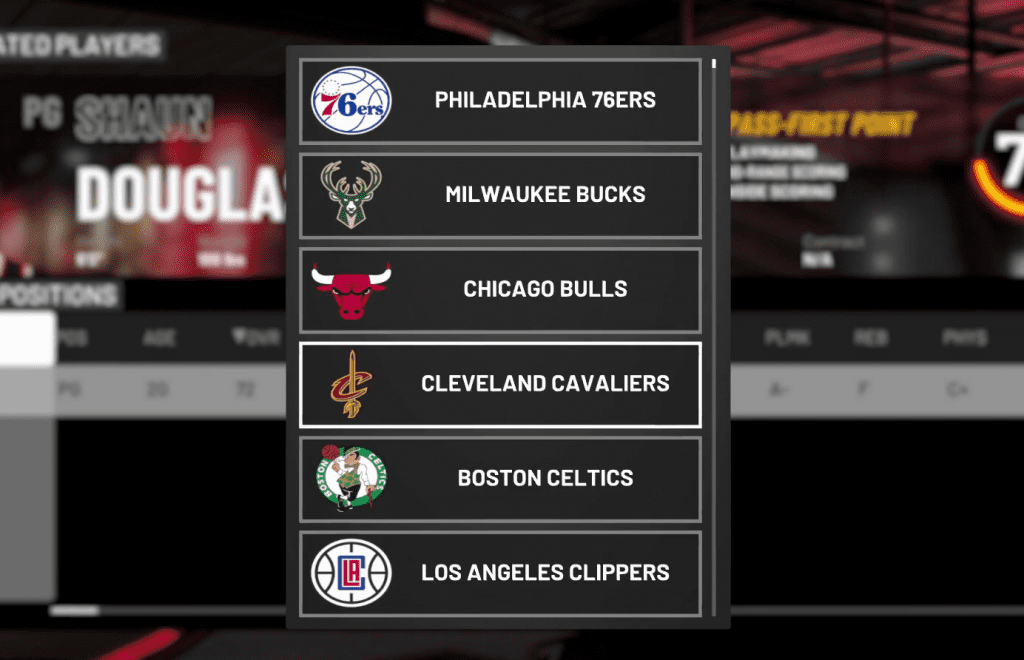
- Step 8: Scroll to and select the "COPY TO TEAM" option. this will open a list of teams that you can place your player on.
- Step 9 Select a team of your choice. You can check if your player has been added to the team by checking the team's roster.
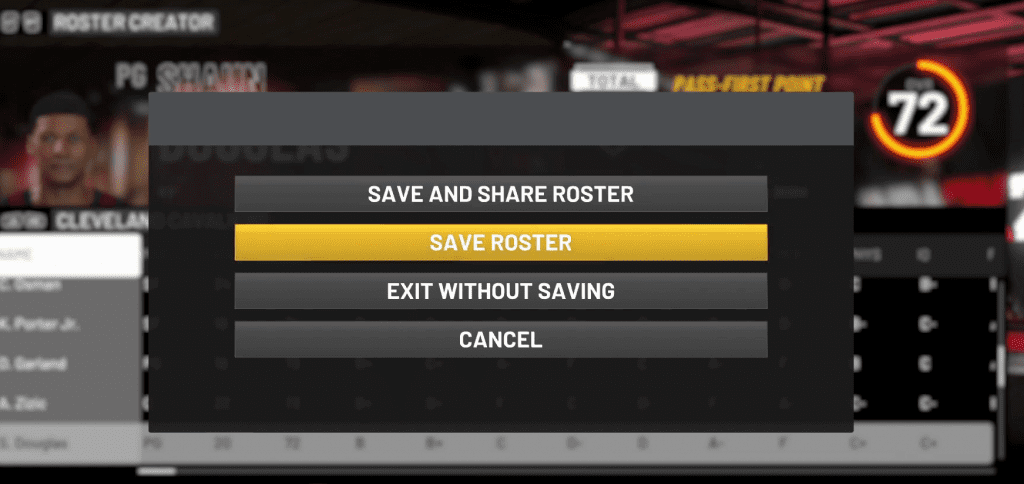
- Step 10: Be sure to select the "SAVE ROSTER" options if you would like to keep your changes.